Face shadows
Side light, hat brims, harsh midday sun.
Strip shadows off faces, walls and products in one pass. 2 free AI photos a month, no watermark.
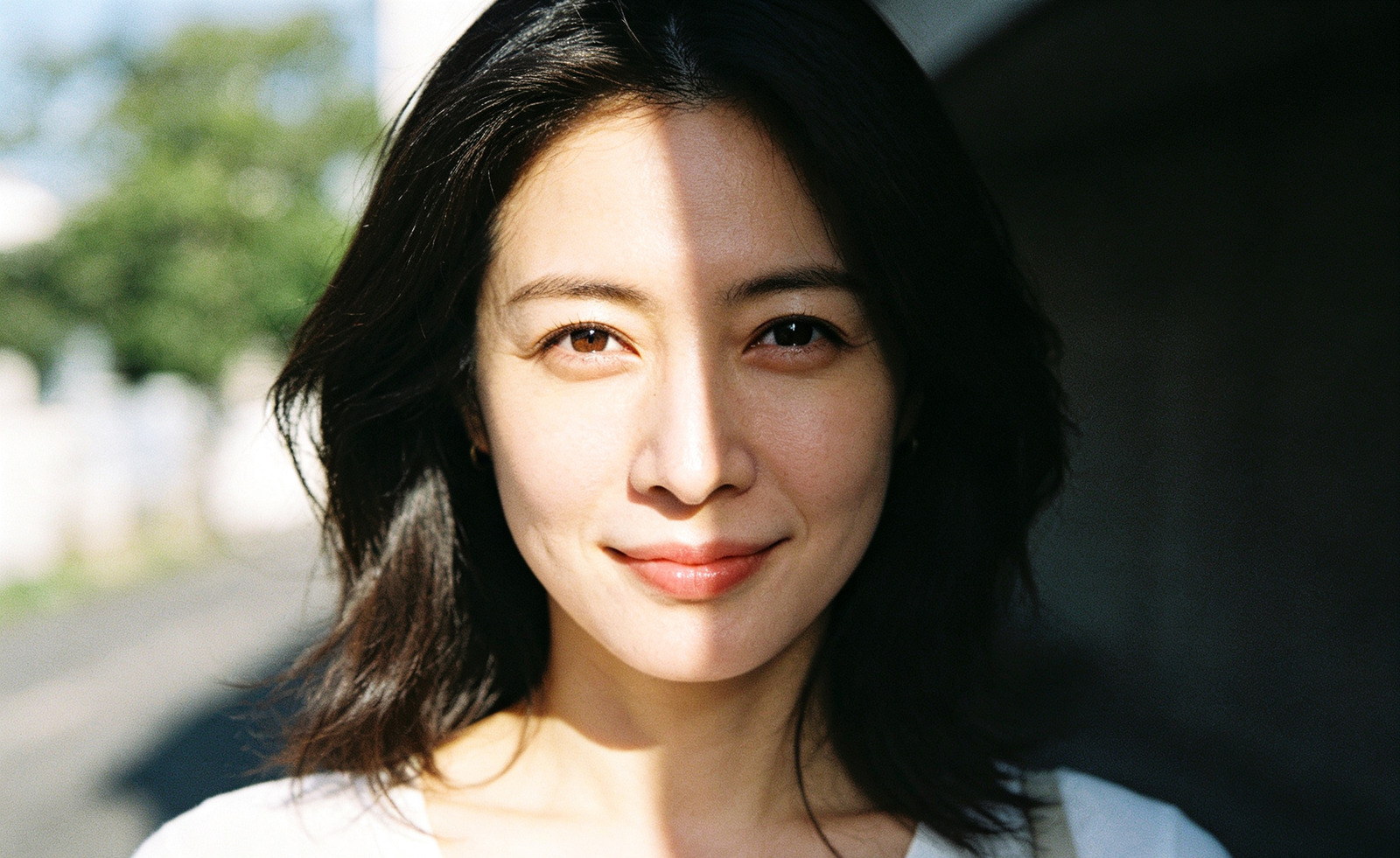
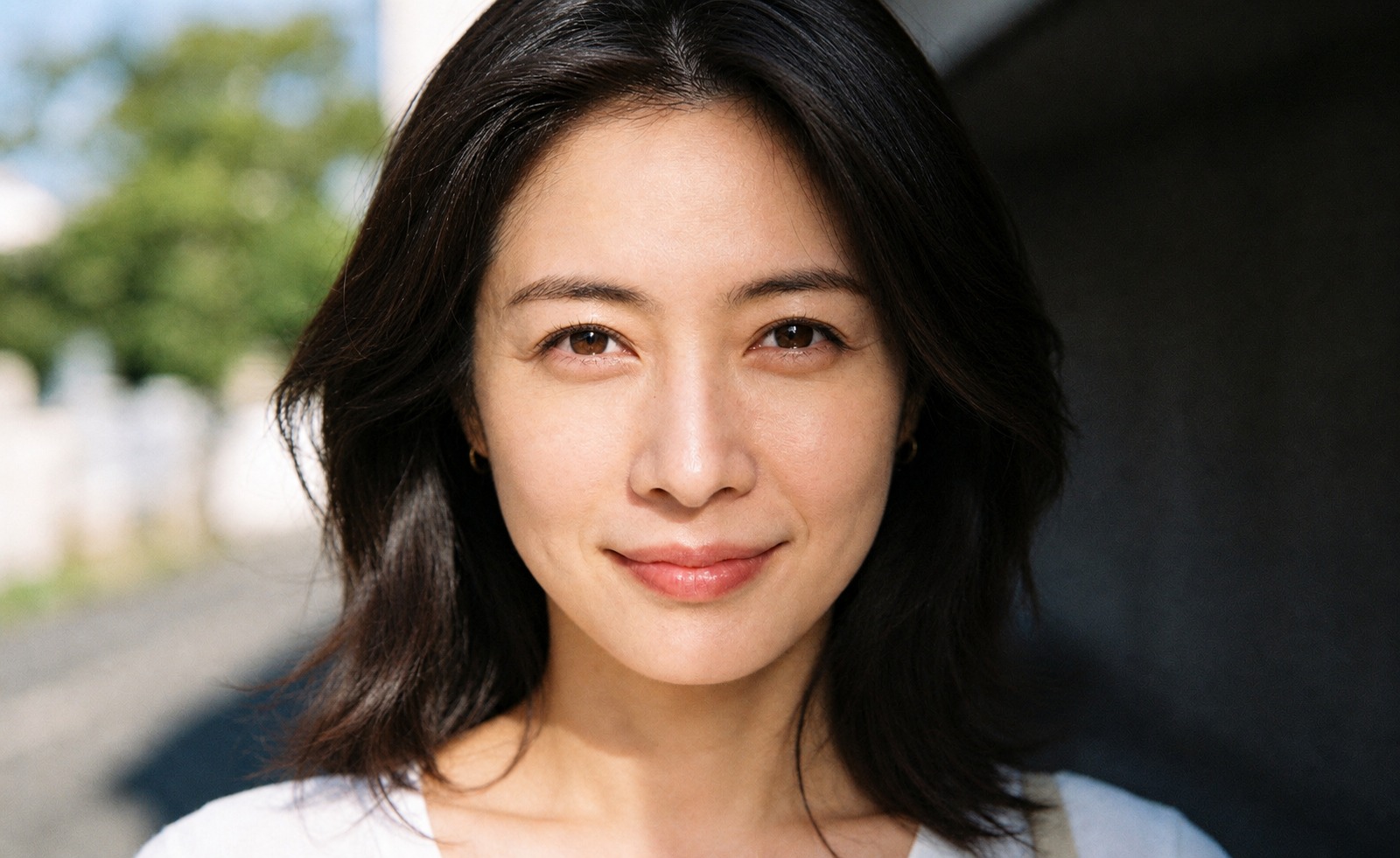
Ready. Drop a photo or pick an example — you get a before/after you can download.
Three steps. Nothing to install, no card, and the free plan covers 2 photos a month.
JPG, PNG or WebP, up to 10 MB.
→ Up to 10 MB
Detects the shadow edge and rebuilds the lighting underneath.
→ One pass, no masks
Full resolution, no watermark.
→ No watermark, any tier
Side light from a single window is what carves a hard shadow down one cheek. Face it instead of standing beside it.
A metre of gap between you and the backdrop is enough to drop the head shadow behind you — the top reason ID photos get rejected.
On-camera flash flattens the face and throws a hard outline. Bounce it, or shoot in open shade instead.
Photographing a page at an angle puts your own arm in the frame. Hold the phone parallel to the paper.
Four jobs where a shadow costs money — a rejected listing, a rejected passport, an unreadable receipt.
Side light, hat brims, harsh midday sun.
Silhouettes cast on the wall behind the subject.
The shadow your phone throws onto a flat-lay.
A shadow is rarely just cosmetic — in each of these it costs a re-shoot, a re-application or a lost sale.
This is the general-purpose tool. If you already know the job, passport and ID photos have their own page with the official rules, and glare and reflections are a different fix entirely.
Search “how to remove shadows in Photoshop” and you mostly get hour-long dodge-and-burn tutorials. Your phone’s eraser has its own ceiling. If you just want the shadow gone, this table should help you pick a lane — including the cases where you should not use us.
Short version: if you need one shadow gone and you are not a retoucher, start here. If the shot matters enough to warrant an hour of masking, Photoshop still wins on control.
Not every dark patch is the same problem. Knowing which one you are looking at tells you whether a slider will fix it — or whether the area has to be rebuilt.
A hard-edged shape thrown onto a wall, table or backdrop by something outside the frame — you, a lamp, a window frame. The edge is sharp and the shape is recognisable.
Slider fix? No. Lifting exposure just makes a grey patch with the same outline.
Light from one side carving a dark half down the nose, under the chin or across one cheek. Common with a single window, midday sun or a hat brim.
Slider fix? Partly — but you lose skin texture and the face goes flat before the shadow leaves.
An uneven backdrop: darker on one side, or a halo behind the head from standing too close to the wall. The subject is fine, the wall is not.
Slider fix? No. A global lift brightens the subject too, and the gradient stays.
A page photographed by hand: one corner in shade, a soft gradient across the paper, sometimes the outline of your own arm over the text.
Slider fix? Rarely. Push it far enough to clear the shade and the text starts blowing out.
Four claims. Every one of them you can check yourself, right now.
Tint and Red-eye run entirely inside your browser. Switch off your wi-fi, reload the page and use them again — they still work. Nothing ever reaches a server, so there is nothing for us to keep.
Shadow, glare and passport need a server to run. The image is processed in memory and dropped the moment the result comes back. Not written to disk, not used for training, not shared.
The AI tools cost real money per image, which is why the free plan is only 2 a month. We would rather tell you the actual reason than pretend the limit is a feature.
No watermark, no reduced resolution, no locked download button at the end. What the free tier produces is the same file a paid plan produces — you just get fewer of them.
Everything people ask before they upload the first file.